Reviewer package: 0.1.4.
Reviewer Guide
No login, account, API key, backend, or payment is required.
Chrome Web Store category: Productivity.
Only tabs and alarms.
No backend service is required or contacted for session storage.
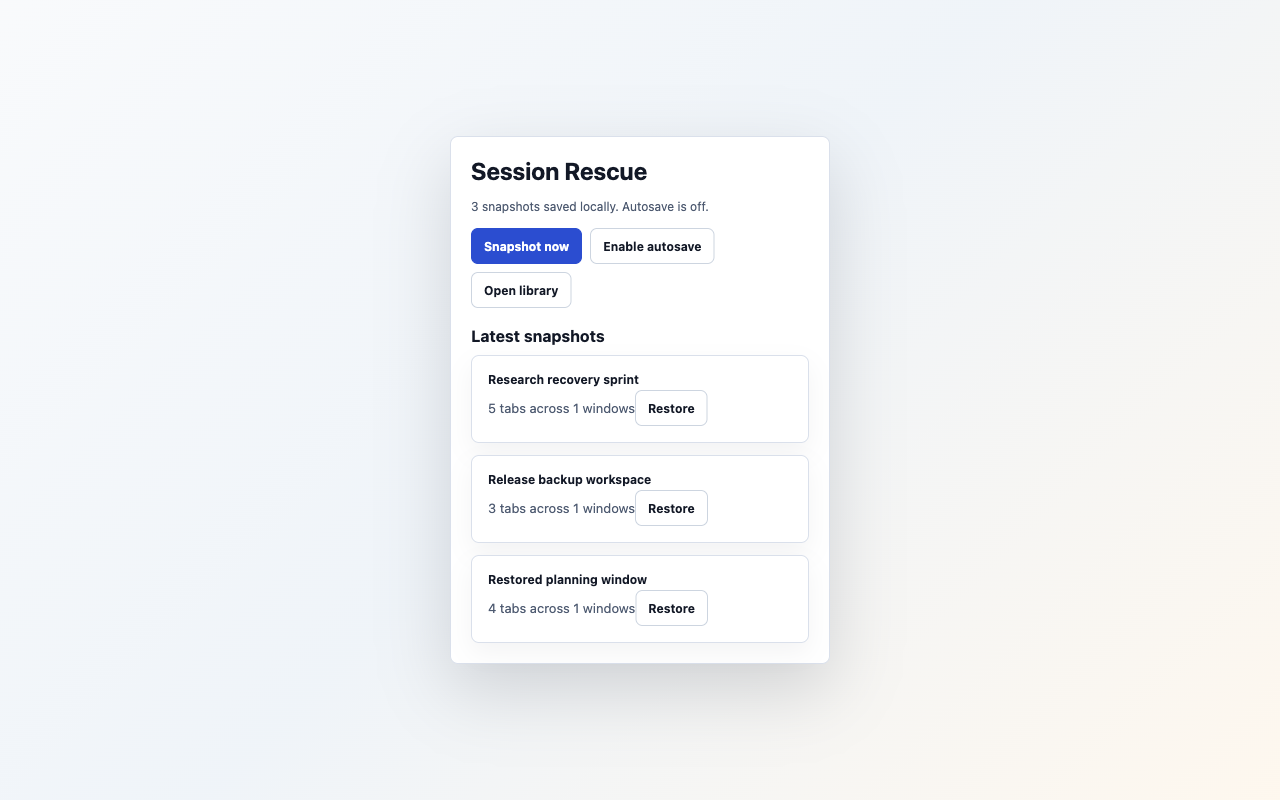
Smoke test
- Open two normal HTTPS pages.
- Click the Session Rescue toolbar button.
- Click
Snapshot now. - Open the library and confirm the snapshot appears.
- Search by one domain or title.
- Export JSON, delete the snapshot, import the JSON, then click
Restore new window. - Confirm Chrome opens and focuses the restored URLs in a new window.
- Optional: click
Restore hereand confirm saved URLs append to the current window. - Optional: enable autosave in the popup and confirm the popup states autosave is on.
Expected data handling
The extension stores tab metadata locally and does not capture page content or contact a backend service.
Expected permissions
tabs is used to read and restore tab metadata. alarms is used only for local autosave after the user enables it.